- Overview & Access
- Important Note on Dashboards Access
- Global Control of LLMs Requirement
- Ask AI: Natural Language Query
This feature helps Organization Owners interact with program data, using Artificial Intelligence (AI) to surface insights and measure performance. AI Analytics combines interactive data visualization (see details on Organization Analytics) with the Ask AI natural language query feature.
Overview & Access
AI Analytics gives Organization Owners tools to analyze security program data.
- Target Users: Organization Owners only.
- Data Scope: Available across all Organization Programs and Engagements.
How to Access the Feature
-
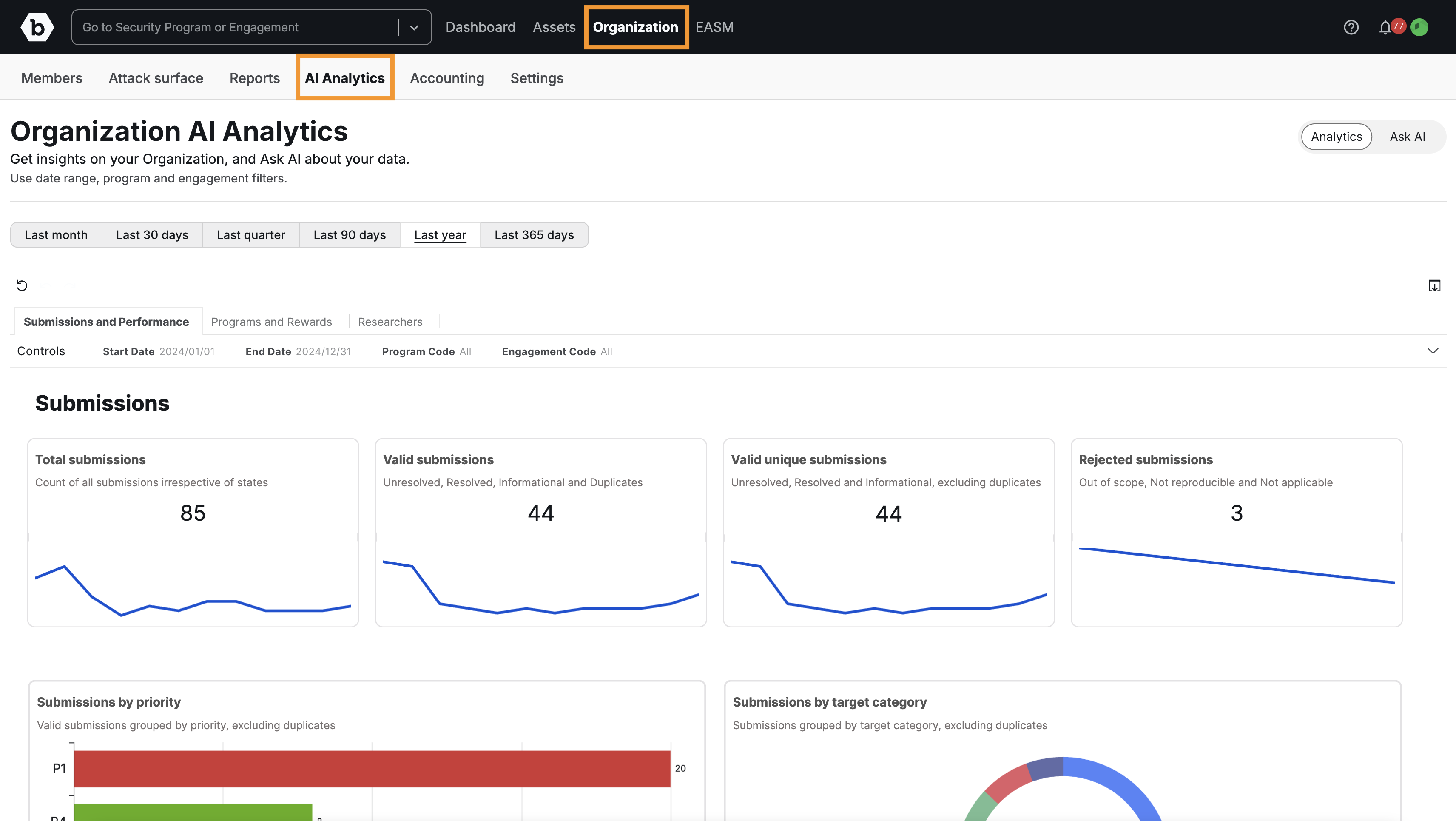
Navigate to Organization in the main menu, and go to the AI Analytics tab.
-
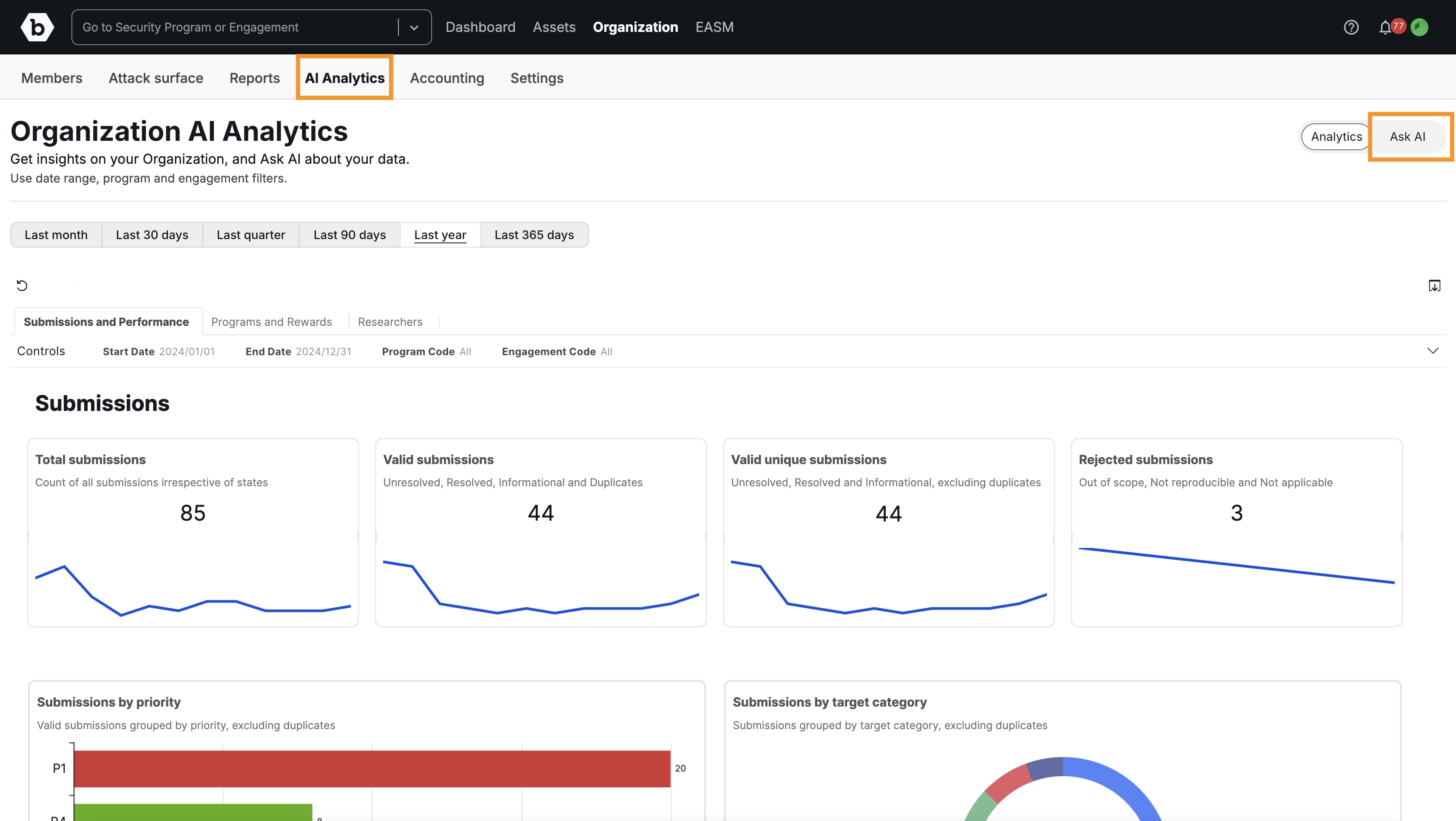
On the right-hand side of the page, click the Ask AI button to switch to the query interface.
Important Note on Dashboards Access
The dashboards within AI Analytics (Organization Analytics) do not utilize LLMs and are therefore always accessible to Organization Owners for reporting and data export. Only the Ask AI feature (the specific LLM tool available for customer use) is governed by the Global Control.
Global Control of LLMs Requirement
The Ask AI feature uses LLMs hosted within Bugcrowd’s infrastructure and is governed by the Global Control of LLMs.
To access and query your data using Ask AI:
- Your Organization Owner must ensure the Global Control of LLMs is Enabled under Organization > Settings > Global Control of LLMs.
- Access Status: If your organization is within the Grace Period, you must explicitly Enable the control. For new customers or organizations outside the Grace Period, the control is generally Enabled by default.
For details and instructions on enabling this control, please visit Global Control of LLMs.
Ask AI: Natural Language Query
The Ask AI interface allows you to query your program data using natural language, providing accurate, contextualized answers and visualizations.
Data Scope
The Ask AI model can only answer questions based on the available program data (submissions, programs, rewards, targets, etc.).
- The full list of data points the AI can analyze (“What’s in data”) is displayed under the question box in the Ask AI interface.
- If a question falls outside this scope, the AI will inform you that the question could not be answered.
- Dashboard Alternative: If the specific graph or chart you are looking for is not presented on the pre-defined dashboards, you can query for it using the Ask AI function.
Query Interpretation
After you ask a question, the LLM will display an “Interpreted as” section below the search box.
- This feature shows how your natural language question was translated into a structured query by the AI.
- Action: Always check the “Interpreted as” phrase to confirm the AI understood your intent correctly. If the interpretation is wrong, rephrase your original question for better results.
Visualization Controls
- When a graph or chart is returned as an answer, you can change the visualization type using the controls located at the top right of the chart or graph.
Best Practices for Querying
Follow these guidelines for crafting the most accurate and actionable natural language queries:
1. Wording and Structure
- Consult “What’s in data”: Review the “What’s in data” list, as it defines all the data points included in the analysis.
- Be Concise: Ask one specific question at a time. Avoid asking multiple, complex questions in a single query.
2. Specificity and Metrics
-
Specify a Timeframe: Always include the timeframe you are querying about (e.g., “last quarter,” “between May 1, 2025, and October 1, 2025”).
Note: Filters used on the Dashboards are not carried over to the Ask AI feature, so you must specify the timeframe in the question. -
Define Submission Metric: Clarify which time metric you are interested in: the time a submission was submitted, validated, or resolved.
-
Handle Duplicates: Always clarify whether the question should include or exclude duplicate submissions.
-
Be Specific with Programs: When querying a specific program, always include the word “Program” with the name (e.g., “What is the submission count for the [Program Name] Program?”).
3. Defining Risk
-
Priority vs Severity: Be aware of the distinction in wording:
- Submission Priority is defined by P1, P2, P3, P4 or P5.
- Submission Severity is defined by Critical, Severe, Moderate, Low or Informational.
4. Comparison Queries
- The Ask AI feature is capable of comparing two simple metrics or periods. For the most reliable results, phrase your question simply, asking for two metrics side-by-side (e.g.,
“What are the P1 submissions for Q3 2025 compared to Q2 2025?”).
Providing Feedback
Please provide feedback and suggestions directly to the CEM (Customer Engagement Management) team. You may also use the built-in feedback option located in the top right corner of the Ask AI interface.
Frequently Asked Questions (FAQ)
1. Is the data used to train LLMs models?
No. We operate under a Zero Training Policy. Our features that use LLMs utilize enterprise-grade configurations to generate the feature’s output (inference). This ensures that the data is NOT retained or used to train LLM models.
2. Who operates the underlying LLM model?
The underlying LLM is AWS, utilizing an enterprise solution called Amazon Q Business. This solution uses a combination of LLMs to provide answers for natural language queries and keeps data secure.
3. Where can I find the standard dashboards?
The interactive dashboards are available on the main AI Analytics page. For documentation on these dashboards, see Organization Analytics.